Aquiring an account on the billing panel
In order to discover the amazing digital matrix powered by cloudcode, you will need to create a account on the billing panel. And in this guides, we will get to know how!
Access the web panel
Section titled “Access the web panel”The web panel can be found on the Main Site or here
Upon access, the billing panel should look like this:
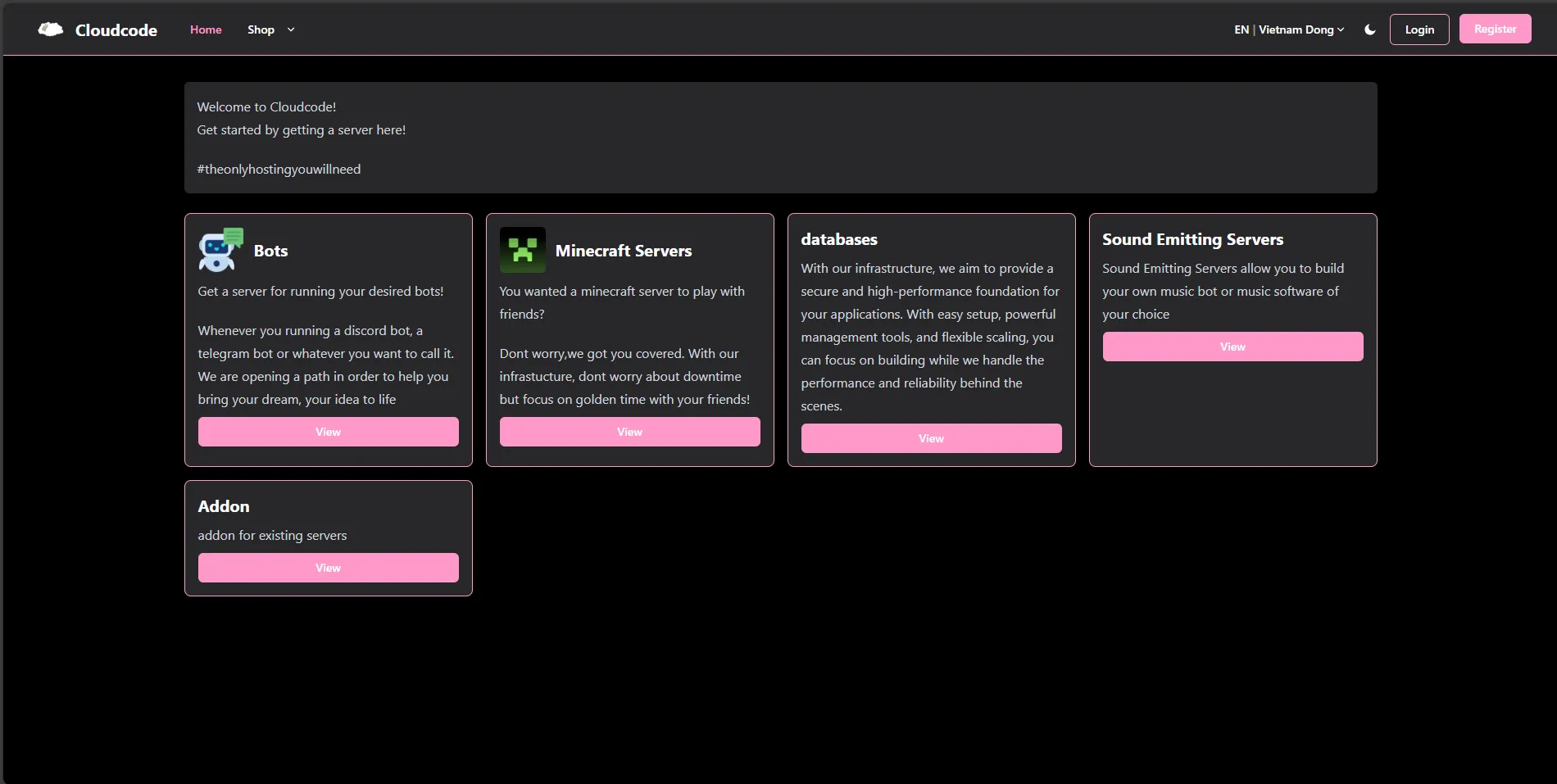
Press on the register button.

When you click the button, you will be redirect to an page where you can fill up the info and sign up for an account. After the sign up you will be redirect to your dashboard, where you can manage services that you already own, see remaining invoices and track your open tickets
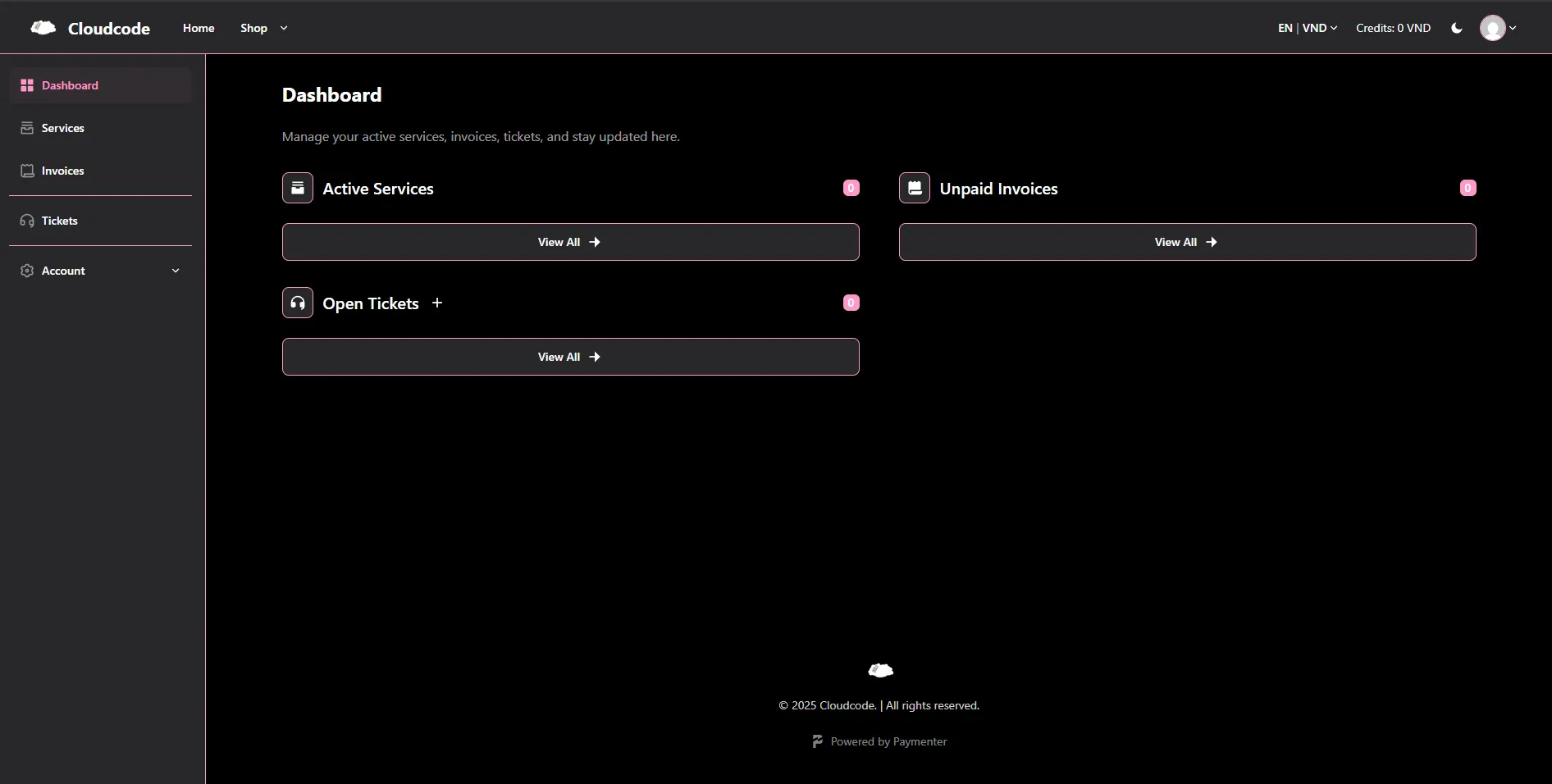
Now you have an Account, let continue our adventure.